
Palace
Your art collections, alive on every screen.
Available Everywhere
Seamless experience across all major platforms. Download once, run everywhere.


01 COLLECT
A world of media.
All yours.
Images, GIFs, videos and more. Give everything a place, then find the next thing you love.
02 CONNECT
Your sources.
Your selection.
Bring together online collections and media from your device. Choose exactly what feeds your library or rotation.
03 STYLE
Every frame.
Considered.
Start with a wallpaper. Build its layers, shape its surroundings, and watch every change come to life.
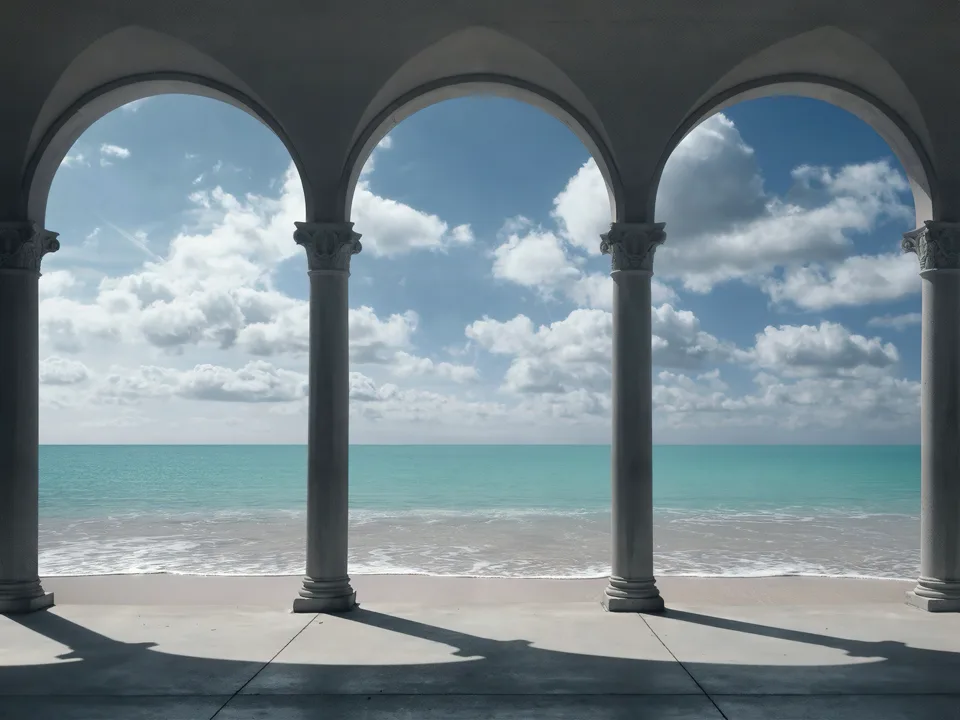


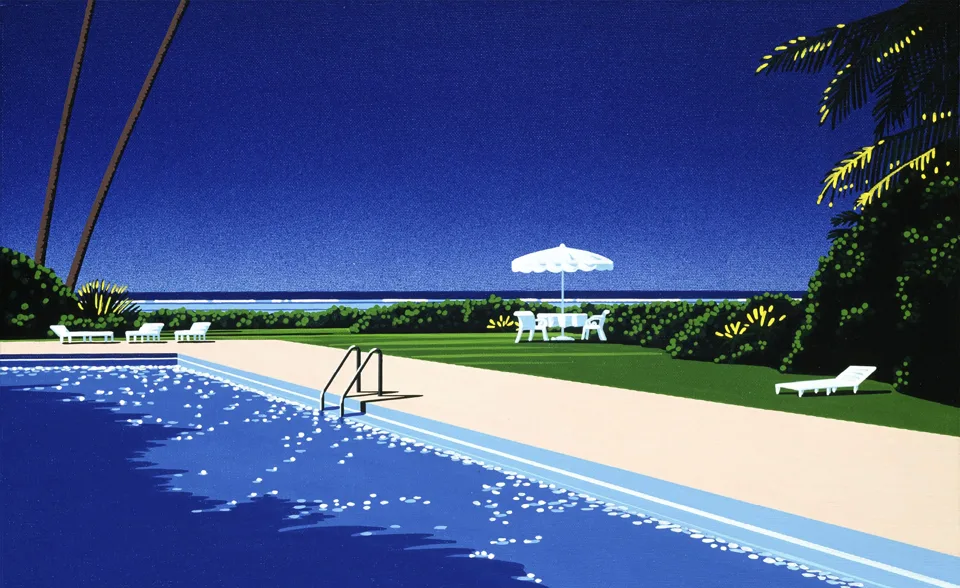
04 MOVE
The change is
part of the art.
A new wallpaper deserves an entrance. Watch the movement, then choose its timing and how smoothly effects change with it.
05 APPLY
The right look.
In every place.
A location slot is a destination. Give each destination its own media, layer style, and target behavior.
Tap to choose one · Ctrl+click or long-press to pick several

06 AUTOMATE
A little change.
Right on time.
Turn selected collections into an ongoing rhythm. Control the queue, the schedule, and the destination from one player.
07 PERSONALIZE
Your space.
Your Palace.
Shape the interface around the way you browse, create, and live with your wallpapers.
COMPARE
One app.
More possibilities.
Your wallpaper toolkit, at a glance.
Swipe to compare
| Feature |  PalaceOne creative space PalaceOne creative space |
Built-in | Free apps | Paid apps |
|---|---|---|---|---|
| Cross-platform | Limited | |||
| Multi-media support (network & local) | Limited | Limited | ||
| Auto-rotate wallpapers | ||||
| No advertisement |
QUESTIONS
Good questions.
Clear answers.
A few things you might be wondering.
Still have questions?Contact supportWhy should I pay for Palace when there are free alternatives?
Can I use Palace on multiple devices with one purchase?
Does Palace store my wallpapers on the cloud?
How often are updates released?
What payment methods do you accept?
Can I get a refund?
MAKE IT YOURS
Meet your next
favorite screen.
The real app is one click away.